Recognize the current state
The indicator in Generation settings follows execution. First use prepares the environment; subsequent advancements reuse that page’s runtime.
| Message | Meaning | Next action |
|---|---|---|
| Model not loaded yet | The worker exists but assets have not been loaded | Write a prompt and use Step once. |
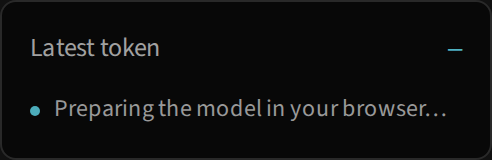
| Preparing the model in your browser… | Pyodide, packages and wheel are being downloaded or installed | Wait and watch for errors. |
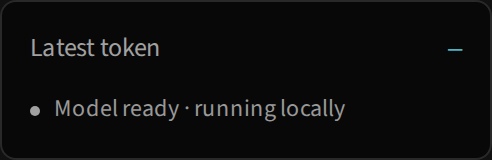
| Model ready · running locally | The model is available without continuous generation | Start a run. |
| Generating one token at a time | The run advances and presents predictions | Pause to inspect a result. |
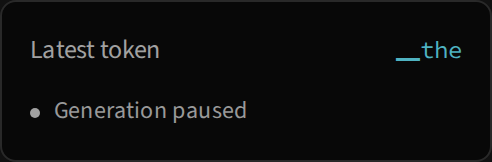
| Generation paused | The generator and latest trace remain available | Resume or reset to restart. |
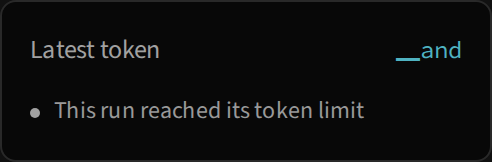
| This run reached its token limit | The generator completed 128 new tokens | Start another run or change the prompt. |
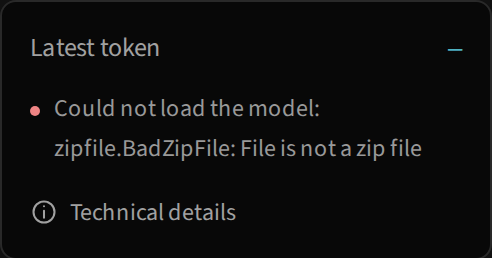
| Could not load the model… | A worker operation failed | Open Technical details and check the cause. |
The general failure wording can also appear for generation problems, not only downloads. Read the specific message and details before assuming the model is missing.
Different limits have different effects
The editor accepts 600 characters; the model has a 128-token window; a run produces at most 128 new tokens. The BPE panel displays the last 64 tokens after an advancement, and the inspector grid shows up to 8 × 8 elements. None of these limits counts words.
A large prefix is reduced to its last 128 IDs for generation. When the window fills during continuation, the cache is rebuilt over the latest window. The trace contains only the current prediction. A 1 × m matrix is normal with cache and does not indicate missing data.
If the counter increases without a new character, the model may have selected a special token whose decoded text is empty. The current generator does not treat <eos> as an automatic stop; its normal stopping condition is the requested count.
Download or installation failure
Unavailable wheel / HTTP 404. Check that the server is running, that the URL base is /glassllm/, and that the wheel has been generated. In development, prepare:wheel also creates the asset in site/src/generated/; static output serves it from py/. Re-running npm run build or restarting npm run dev from site/ recreates the assets.
Invalid wheel filename. Micropip requires a complete wheel filename, such as glassllm-0.1.0-py3-none-any.whl. A path ending only in glassllm, or a name changed by bundling, lacks required fields. Use the assets prepared by the site’s script.
The received file is not a wheel. Some servers return HTML for a missing file. This may cause ZIP errors even when the HTTP response is 200. Check the content and path, not only the request status.
CDN or Pyodide unreachable. Initial preparation requires the Pyodide 0.29.3 runtime and packages served by the CDN. Without initial access to those resources, local inference cannot begin. The lab does not offer a remote-execution fallback.
Incompatible assets or versions
load_pretrained requires weights and tokenizer for the same language and validates vocabulary size. Missing files raise an error without automatically substituting a random model. If you rebuild the wheel after modifying the library, reload the page to open a runtime with the new files.
The error 'Tokenizer' object has no attribute 'id_to_token' means code called an attribute outside the current API. The interface uses Tokenizer.tokens([id]) for labels and decode([id]) for text. Check that worker and wheel came from the same build.
Recover the interface
- Expand Technical details to read or copy the full exception. The panel keeps the traceback separate from the short message.
- Correct the server, wheel path or assets indicated by the error.
- Try Step once again. Preparation allows another attempt after a partial failure.
- If you replaced the wheel or changed the runtime, reload the page to avoid reusing an already imported module.
- For a clean run, pause and use Reset; this retains the loaded runtime but restarts the experiment.
Navigation and small screens
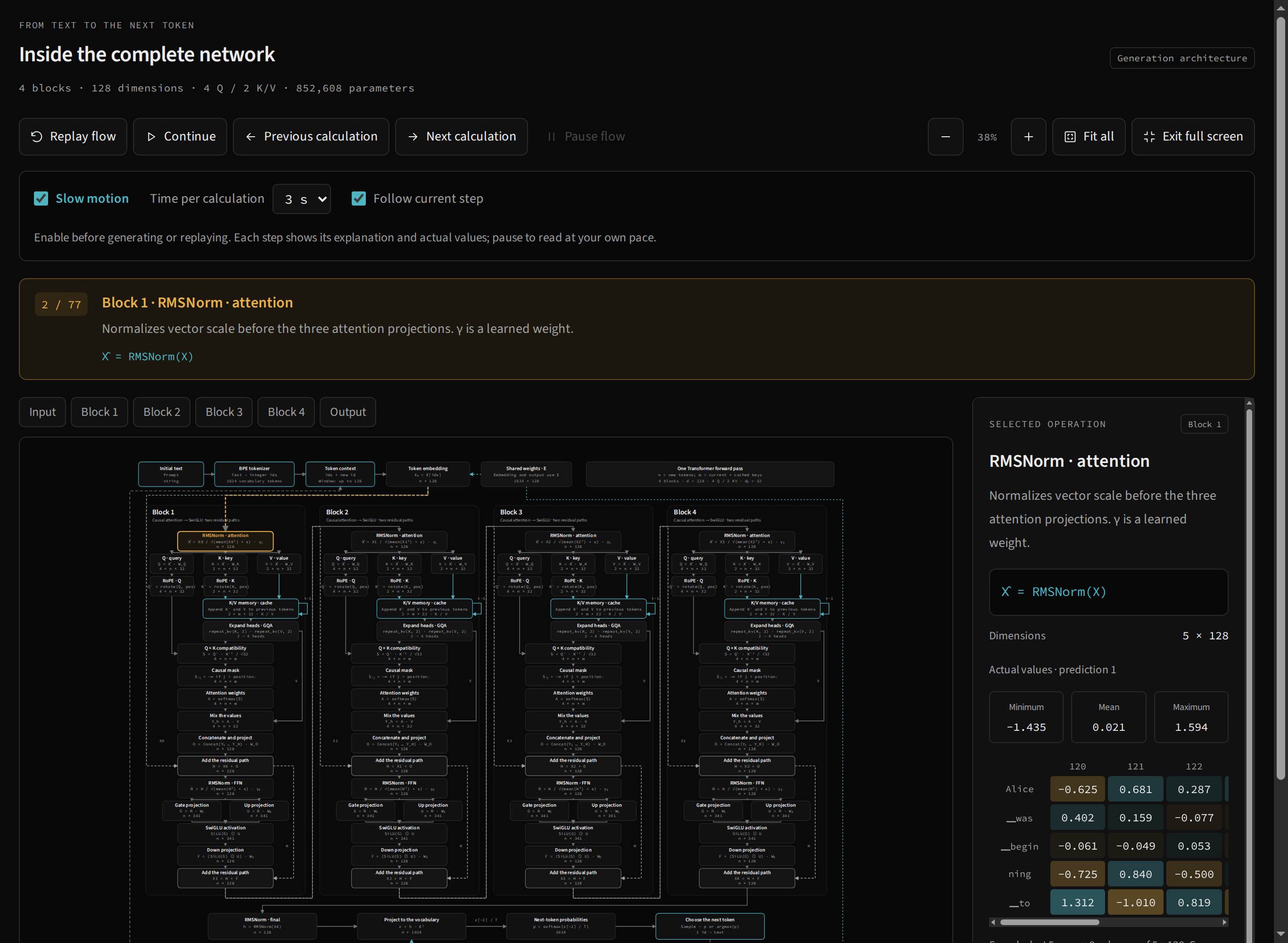
JavaScript is required for generation; documentation text is served as static pages. Use Tab, Enter and Space for controls and operations. Zoom and internal scrolling make the network readable on mobile; Full screen depends on browser support and permission. When unavailable, use block navigation.
If the map moves while you read, pause the flow or turn off Follow current step. If a tensor changes after a new token, that is expected: the interface follows the latest prediction. Continue with generation and tokens and the inspector to distinguish run, context and sample.